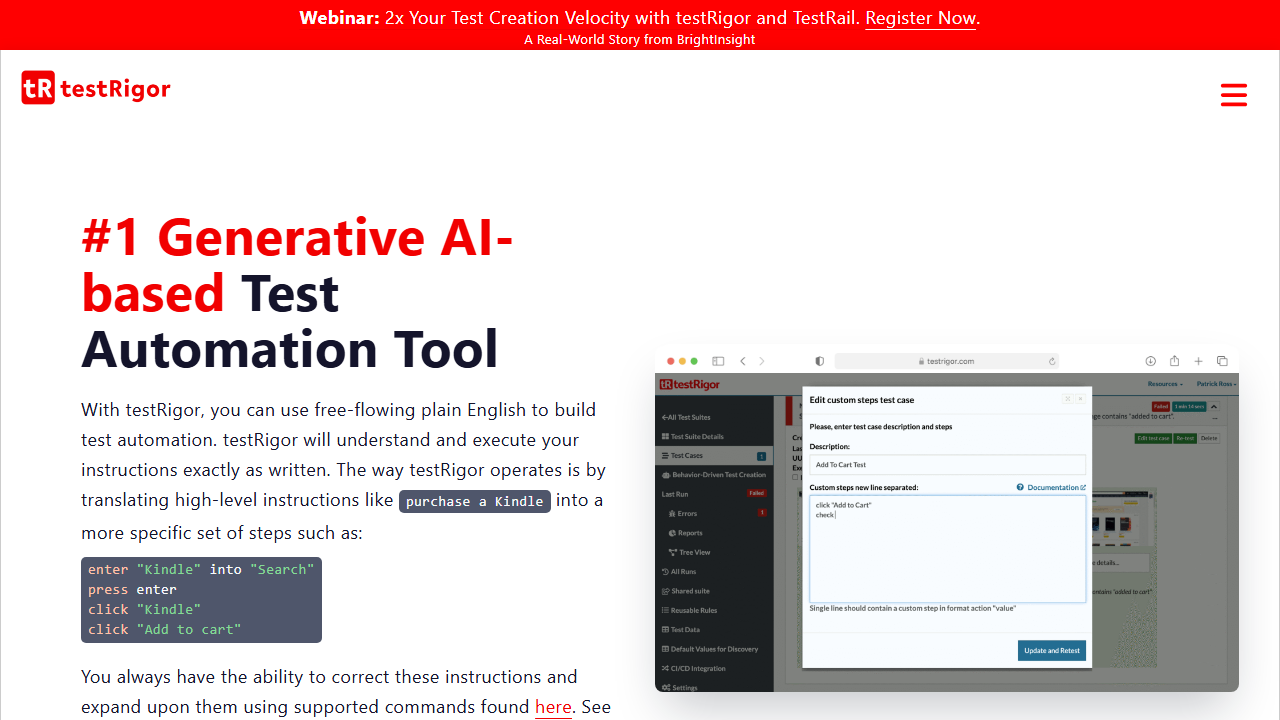
Pros and Cons
Pros:
- User-friendly: testRigor allows tests to be written in plain English, making it accessible to non-technical users and reducing the learning curve.
- AI-Driven Testing: Automatically generates tests based on specifications, features, and app description, significantly reducing the effort and time for test creation and maintenance.
- Cross-platform Support: Supports testing across web, mobile (hybrid/native), database, mainframes, and API applications, making it versatile for various testing needs.
- High Test Stability: Tests are highly stable because they do not rely on XPath or selectors, ensuring reliability even with frequent application changes.
- Self-healing Tests: Tests work on NLP, Gen AI, Vision AI, and AI context, and have self-healing capabilities. After UI or feature changes, it adjusts the tests, ensuring near-zero maintenance.
Cons:
- Complexity for Advanced Users: May not offer the same level of control and customization as code-based frameworks, which are more suitable for highly skilled QA engineers.
- Developing UX: Some aspects of the user experience are still being improved, which might affect ease of use.
- Fewer Integrations: Compared to some competitors, testRigor offers fewer pre-built integrations, although the team is responsive to requests for new features.
AI Features
testRigor leverages AI to:
- Generate Tests: Automatically create plain English tests based on app description, specifications, and features.
- Test Untestable Features: You can test complex images, graphs, chatbots/LLMs, user intent, and other AI-based app features.
- Import Manual Tests: Change your manual tests into automated, or import manual tests from test management tools into testRigor and convert them directly into automated tests.
- Behavior-driven Test Generation: Create tests based on how users interact with the application (write behaviour prior to implementation) in production.
Test Types Supported
- Functional Testing
- Regression Testing
- API Testing
- Mobile Testing
- Web Testing
- Desktop Testing
- Mainframe Testing
- 2FA/Captcha/QR Code Testing
- Email/SMS/Phone Call Testing
- AI Features Testing
Learning Curve
testRigor is designed to be highly accessible, especially for non-technical users, thanks to its natural language processing capabilities. This reduces the need for coding expertise, allowing manual QA teams, BAs, SMEs, and domain experts to contribute directly to test automation. However, advanced test scenarios and integrations may still require some learning and technical understanding.
Compatibility
- Browsers: Supports all major browsers, including Chrome, Firefox, Safari, and Edge.
- Operating Systems: Accessible via a cloud-based platform, supporting all major OSs, such as Windows, macOS, and Linux.
- Application Types: Suitable for web, mobile(iOS and Android), desktop, mainframe, database, and API testing.
Integrations
testRigor integrates with nearly all CI/CD tools, including Jenkins, CircleCI, and GitHub Actions, as well as issue tracking systems such as Jira. It also supports integrations with Slack for real-time notifications. Integrate it easily with TestRail and other popular test case management tools, making it a flexible tool that fits seamlessly within existing workflows. You can import manual tests from these test management tools and convert them directly into plain English tests.
User Ratings/Reviews
G2: testRigor has received positive feedback for its ease of use, particularly its natural language test creation and low maintenance requirements, with an average rating of 4.6/5 based on 10+ reviews.
Customer Support
testRigor offers robust customer support, including:
- Documentation: Comprehensive guides and tutorials.
- Live Support: Available for troubleshooting and assistance.
- Community: Active user community and forums for peer support.